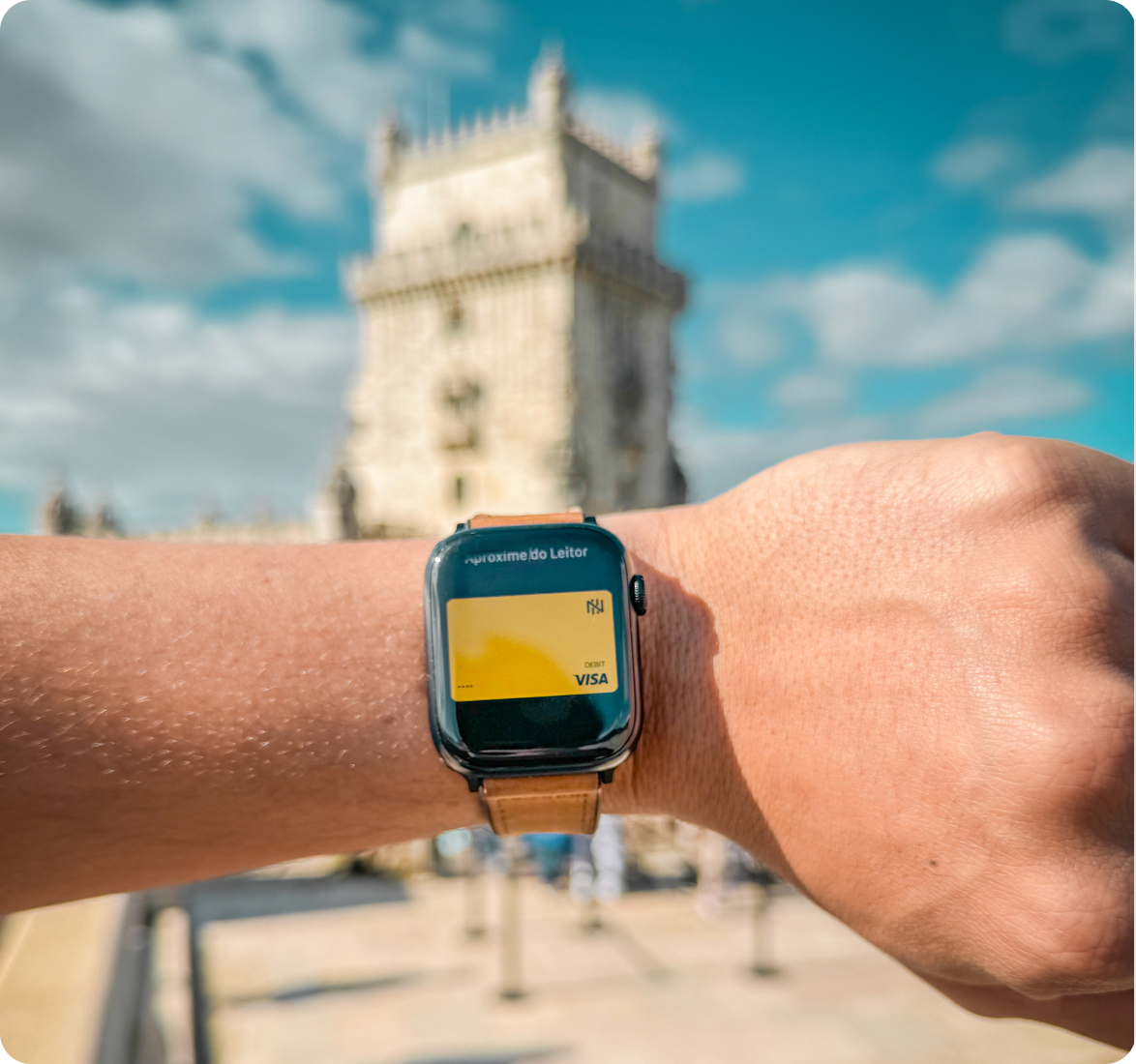
Accepted in over 180 countries for you to shop like a local.
International Card
Save up to 10% on your purchases abroad in over 180 countries
The Nomad Visa debit card is accepted at millions of merchants worldwide and has no annual fee or activation fee.
Virtual card
Available for online and contactless purchases.
Physical card
Allows saving on the US dollar exchange rate and traveling with peace of mind.
Pay with your mobile phone
Link the physical or virtual card to your mobile phone’s digital wallet, such as Apple Pay, Google Pay, Samsung Pay, or PayPal.
Take Nomad with you
Viaje, compre e faça saques em mais de 180 países. Você escolhe o destino, a Nomad te acompanha
Withdraw money easily
Make unlimited withdrawals, with no fee, at MoneyPass® network ATMs. Click here to find the nearest MoneyPass® ATM.
Learn moreFind the nearest ATM
Use the Nomad app to locate ATMs for withdrawals abroad.

Peace of mind while traveling
International purchases may be completed without submitting a travel notice in advance.
The Nomad card works worldwide, and can be managed through the app, including card lock and unlock features.
A world of exclusive benefits
Save on entertainment tickets in the U.S. and Canada.
USD 10 cashback
Earn cashback when booking international hotels.
2% cashback
Rent vehicles with your Nomad card in many countries.
Up to 20% discount
Travel with peace of mind while saving on travel insurance.
30% off
Buy internet data plans for your trip.
20% off
Your passport to the world

Travel without carrying cash
and save up to 10% compared to other credit cards.

Buy in physical and online stores abroad
Make purchases and subscribe to digital services in several countries.
.svg)
.svg)

.avif)
.avif)
.avif)
.avif)

.svg)


.png)