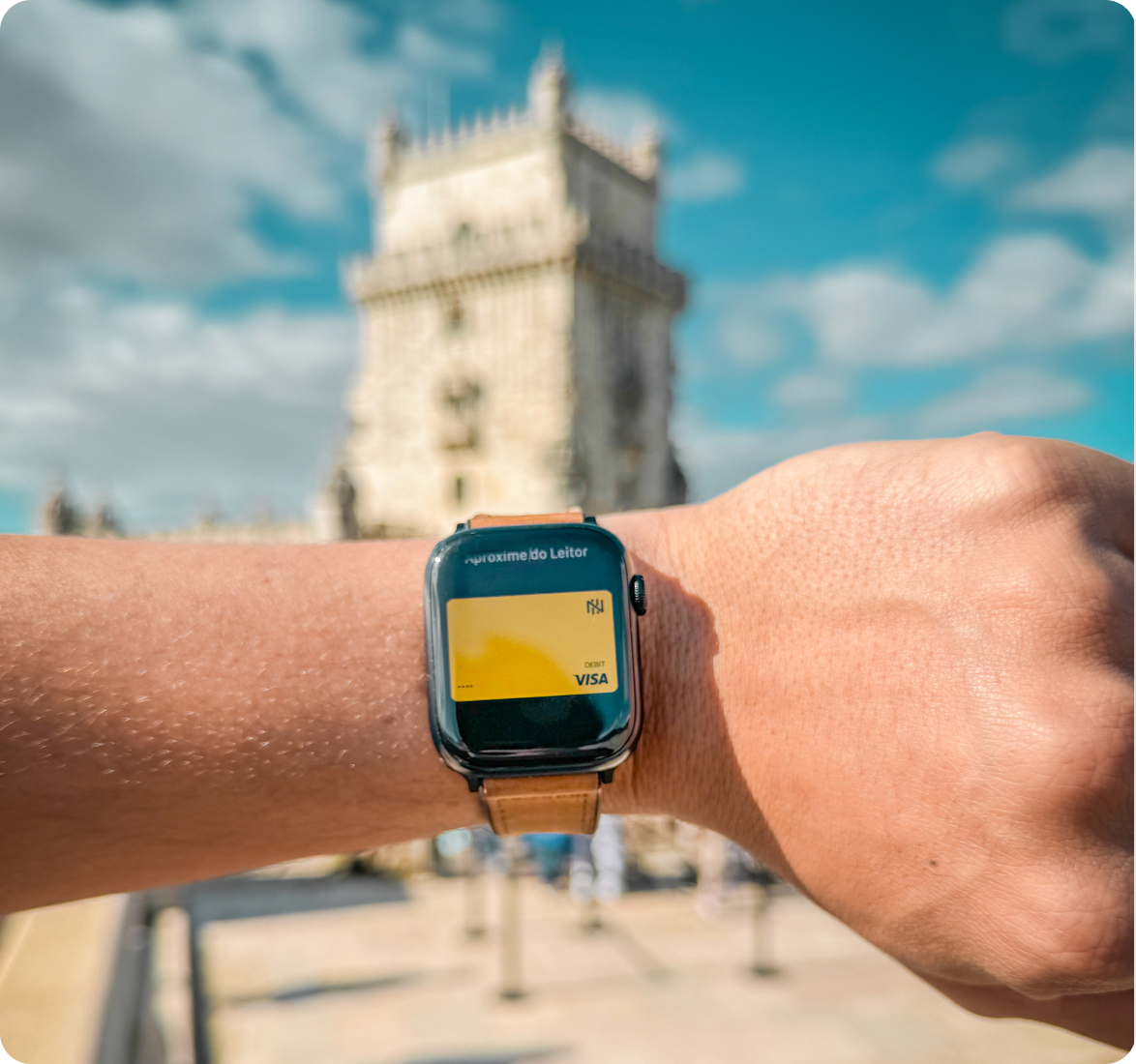
Accepted worldwide: +35 million establishments.
International debit card to explore the world
One single card to travel, pay, and withdraw worldwide with total peace of mind.
A card without borders
Forget about a plan B. Enjoy the security of a global card that accompanies you every step of the way, seamlessly and without complications.
International

Secure
.svg)
Use your physical or virtual Nomad Card to pay securely and privacy.
Free
.svg)
Free and unlimited withdrawals across the USA on the Money Pass network and up to 2 free per month elsewhere in the world.

.avif)
.avif)
.avif)
.avif)

.svg)
Your money speaks every language
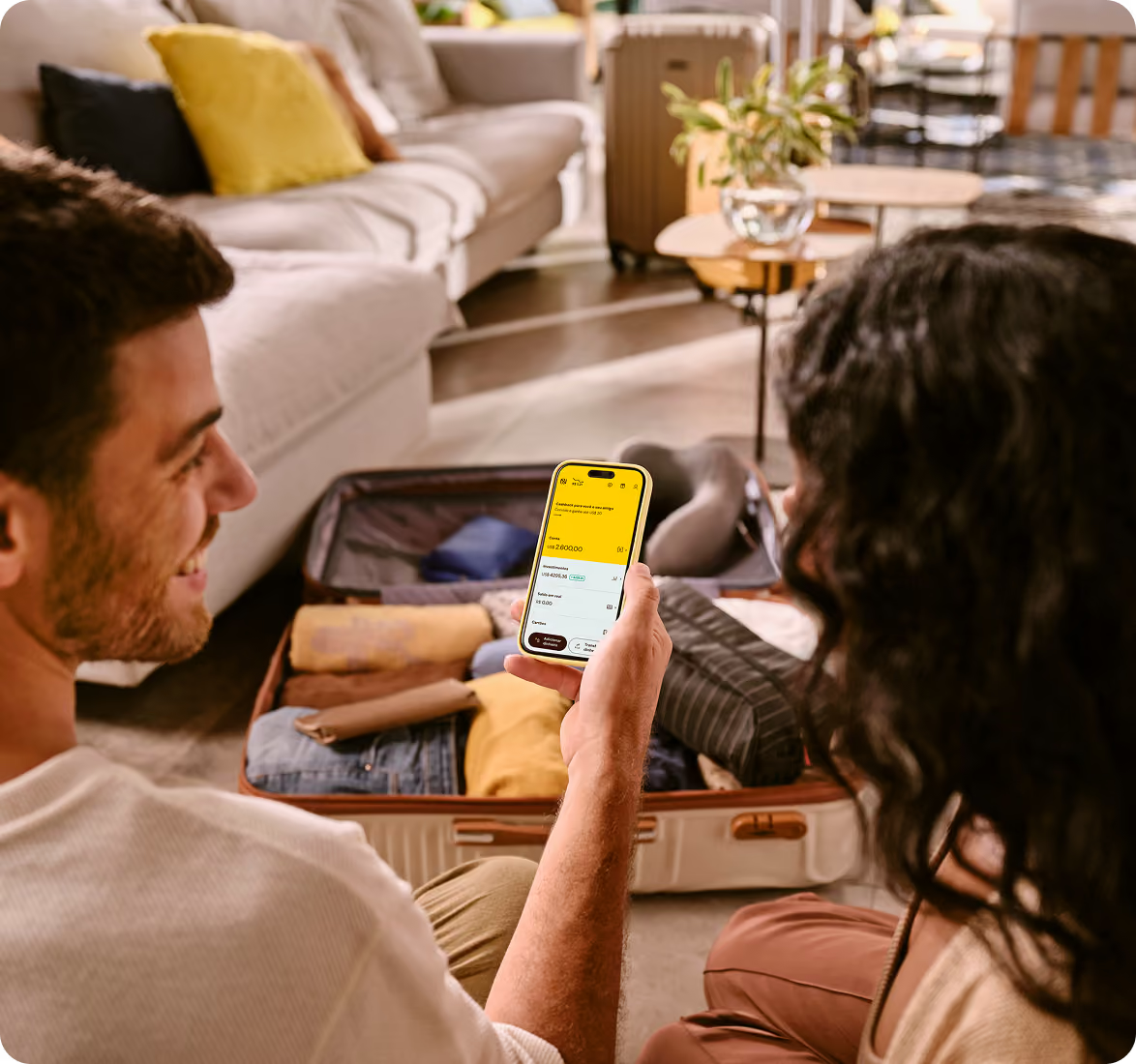
With Nomad, your USD balance is converted to the local currency at time of purchase worldwide, take advantage of your EUR balance for purchases Europe. All conversions are displayed with total transparency right in the app.
How to use your card around the world:

Tap and pay: the Nomad Card identifies your location and intelligently uses your balance;

Choose your balance: in the app, add dollars for worldwide use or euros for destinations in the Eurozone;

Choose local currency: always select the currency of the country you are in (e.g., Euro in Europe or Pesos in Argentina);
Savings tip: if, after choosing the local currency, the payment terminal offers its own conversion, decline it! Let Nomad handle the conversion to ensure a competitive exchange rate.

Done! Your balance is converted at the time of purchase.
.png)
Tap and pay
Add your card to Apple Pay or Google Pay even before you travel. More security for those who have only one concern: exploring the world.
How to use your card in your digital wallet:
On the Nomad app's home screen, go to Cards > Debit;
Choose Virtual Card, then Add to Apple Wallet or Add to Google Wallet;
Follow the instructions in your digital wallet and complete the operation. Done! You can now use your virtual Nomad Card.